> ## Documentation Index
> Fetch the complete documentation index at: https://docs.titanos.tv/llms.txt
> Use this file to discover all available pages before exploring further.
# Submit App for QA and launch
### New app for Quality Assurance (QA)
Navigate to the **"Add new app"** section to submit your app for evaluation.
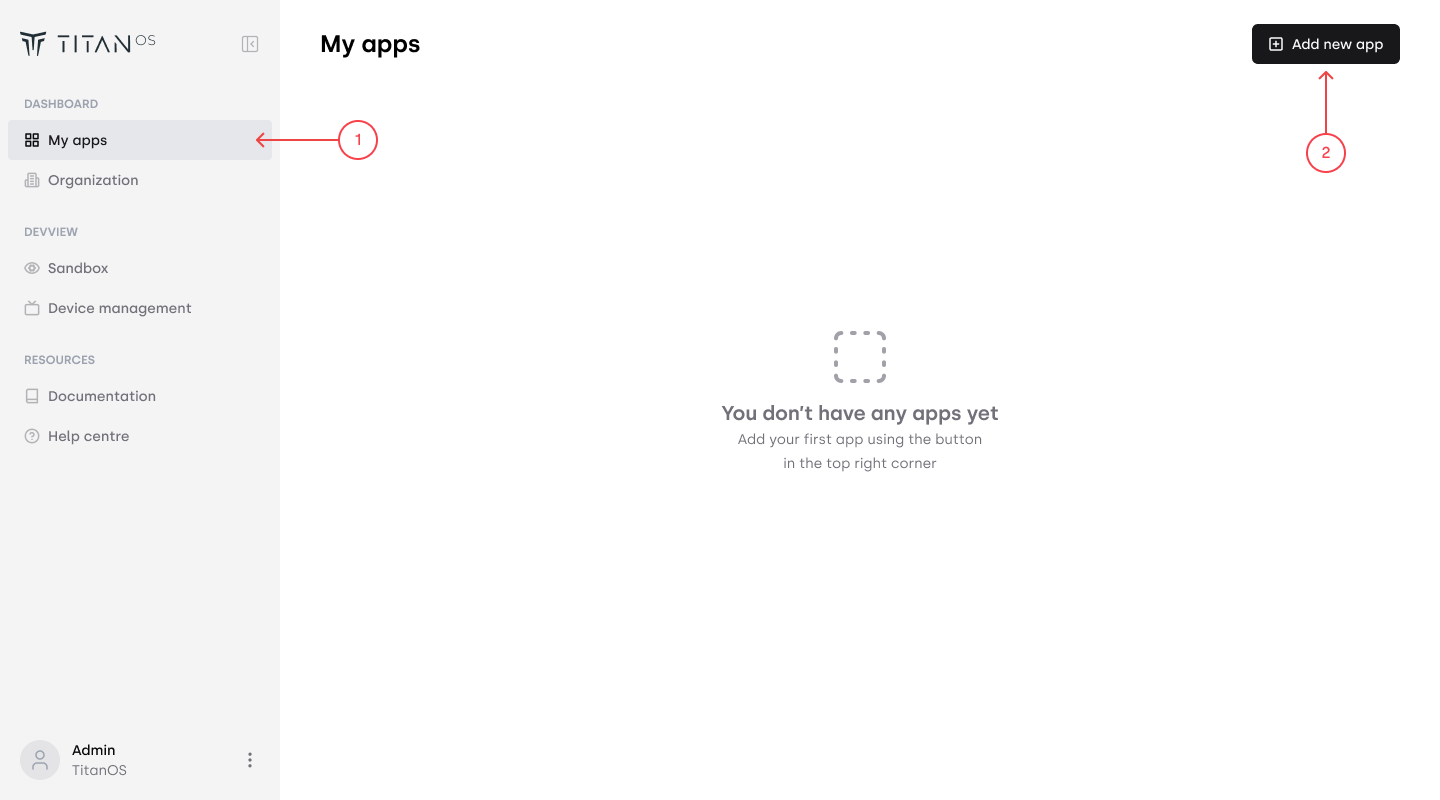 You will need to provide the following:
* A test URL for the Titan OS team to evaluate.
* Required information for testing, such as credentials, DRM details etc.
* Necessary assets for publishing, including the app icon and description.
* For more information on asset specifications, see [Asset Requirements](/app-assets-specifications).
### Submit new app version
To submit an updated version of an already published app, go to the app and choose **"Add new version"**
You will need to provide the following:
* A test URL for the Titan OS team to evaluate.
* Required information for testing, such as credentials, DRM details etc.
* Necessary assets for publishing, including the app icon and description.
* For more information on asset specifications, see [Asset Requirements](/app-assets-specifications).
### Submit new app version
To submit an updated version of an already published app, go to the app and choose **"Add new version"**
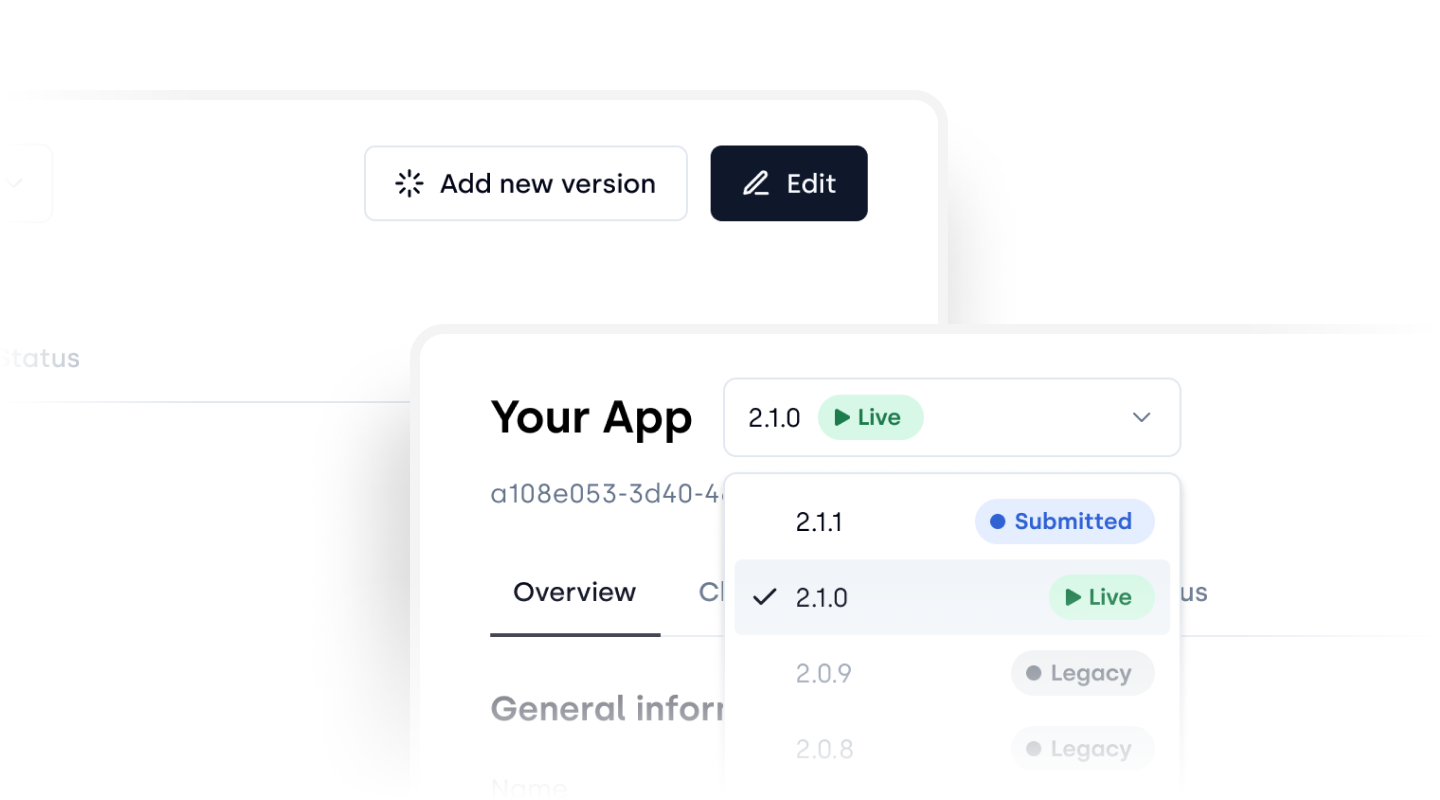 Provide updated information and indicate the impact of the changes made for the Titan
OS team to be able to evaluate the QA effort needed.
Provide updated information and indicate the impact of the changes made for the Titan
OS team to be able to evaluate the QA effort needed.