> ## Documentation Index
> Fetch the complete documentation index at: https://docs.titanos.tv/llms.txt
> Use this file to discover all available pages before exploring further.
# FAST Channel Assets
> To ensure proper display within the operating system, each FAST channel is required to provide a set of assets: thumbnail, logo and background.
## Logo
The Logo will be used in the future versions of Titan OS. It could also be used as a watermark.
### Requirements
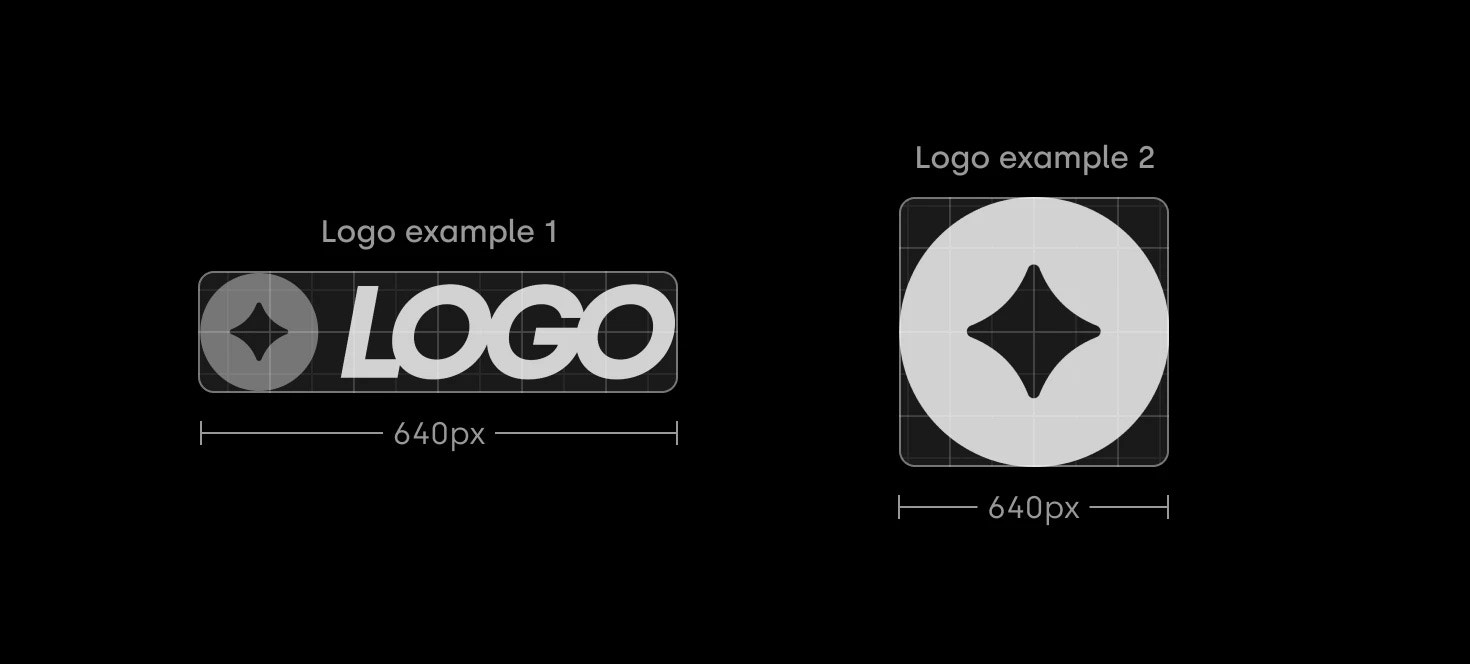
1. Format: *White PNG with **transparent background***
2. Size: *At least 640px on the longer side*
3. File size: **Should not exceed 1Mb**
### Design considerations
* There should be no padding between the logo and the file boundaries — the logo should extend fully to the edges, regardless of its aspect ratio. No empty space around the edges allowed.
* The logo must be white and contain no colour, but it could have semi-transparent white elements.
* It is strongly recommended to use the full logo, including the channel name. The logo may appear alongside logos of other channels, so it should remain clear and easily identifiable.
 ***
## Thumbnail
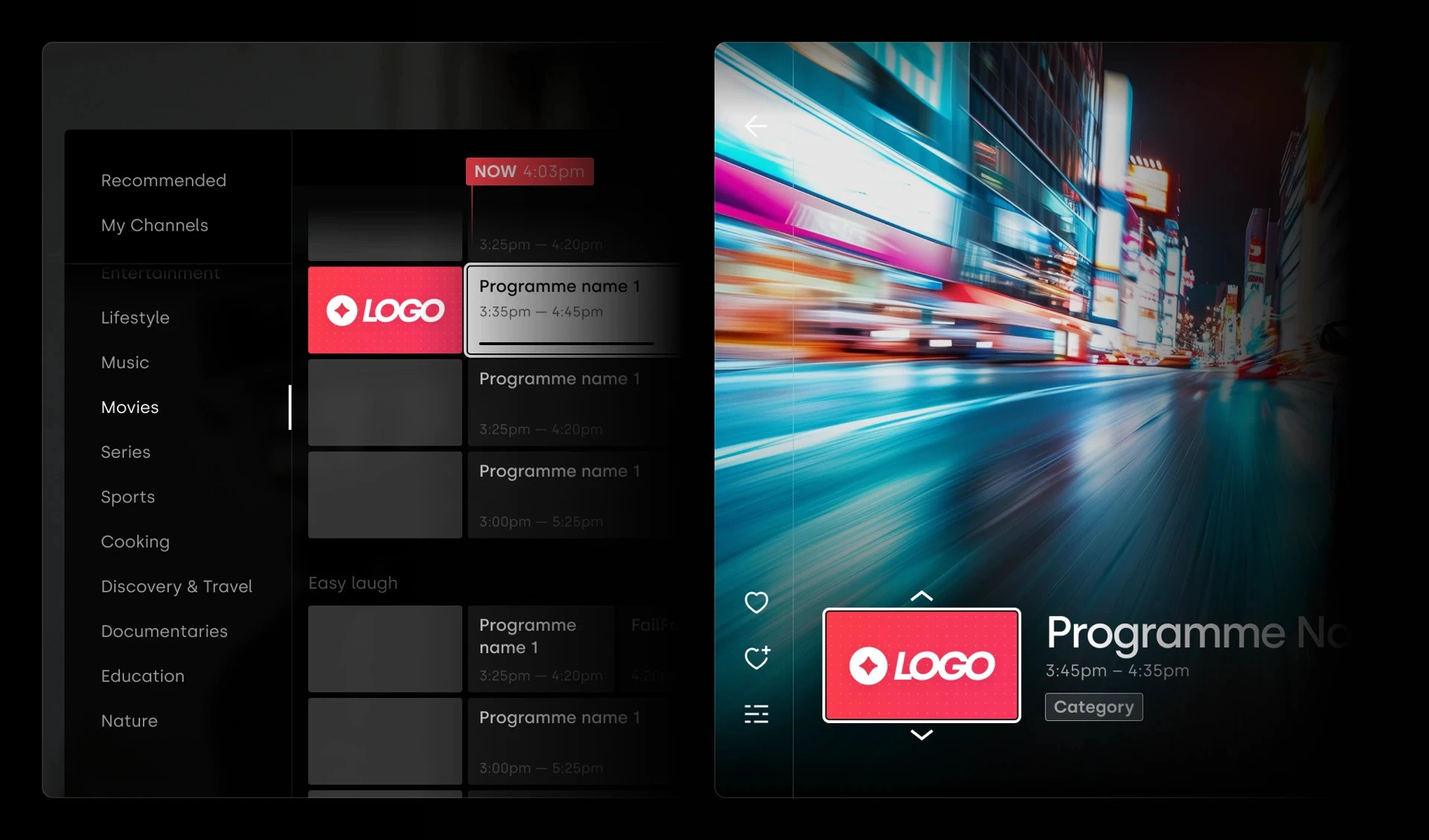
We request partners to provide the channel Thumbnail to be used in the EPG and search results.
### Requirements
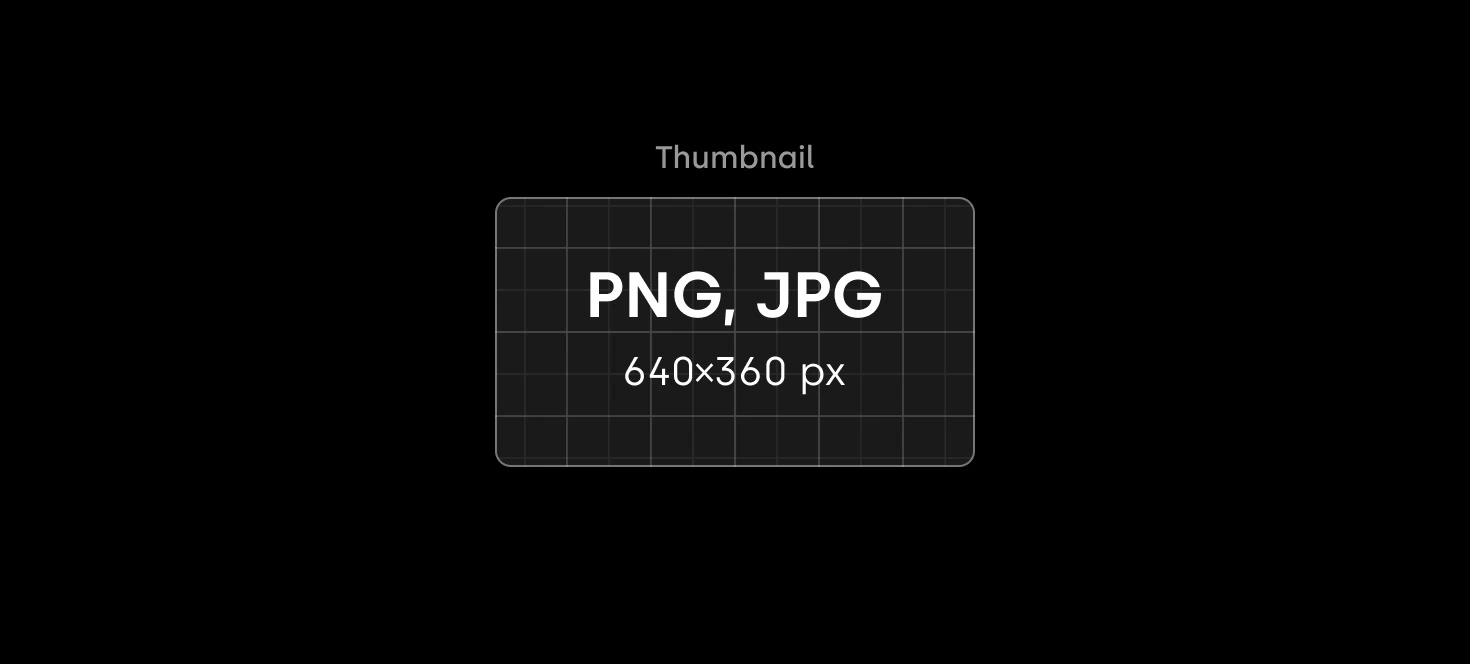
1. Format: *JPG or PNG, **No transparency***
2. Size: *At least 640x360px*
3. Aspect ratio: *16:9*
4. File size: ***Should not exceed 1Mb***
### Design considerations
* The best way to make the channel easily recognisable is to use a logo over a contrasting background.
* Ensure the logo is large, clear and (optional) centred.
* Don’t add any additional text or elements to the thumbnail.
***
## Thumbnail
We request partners to provide the channel Thumbnail to be used in the EPG and search results.
### Requirements
1. Format: *JPG or PNG, **No transparency***
2. Size: *At least 640x360px*
3. Aspect ratio: *16:9*
4. File size: ***Should not exceed 1Mb***
### Design considerations
* The best way to make the channel easily recognisable is to use a logo over a contrasting background.
* Ensure the logo is large, clear and (optional) centred.
* Don’t add any additional text or elements to the thumbnail.
 ***
## Background
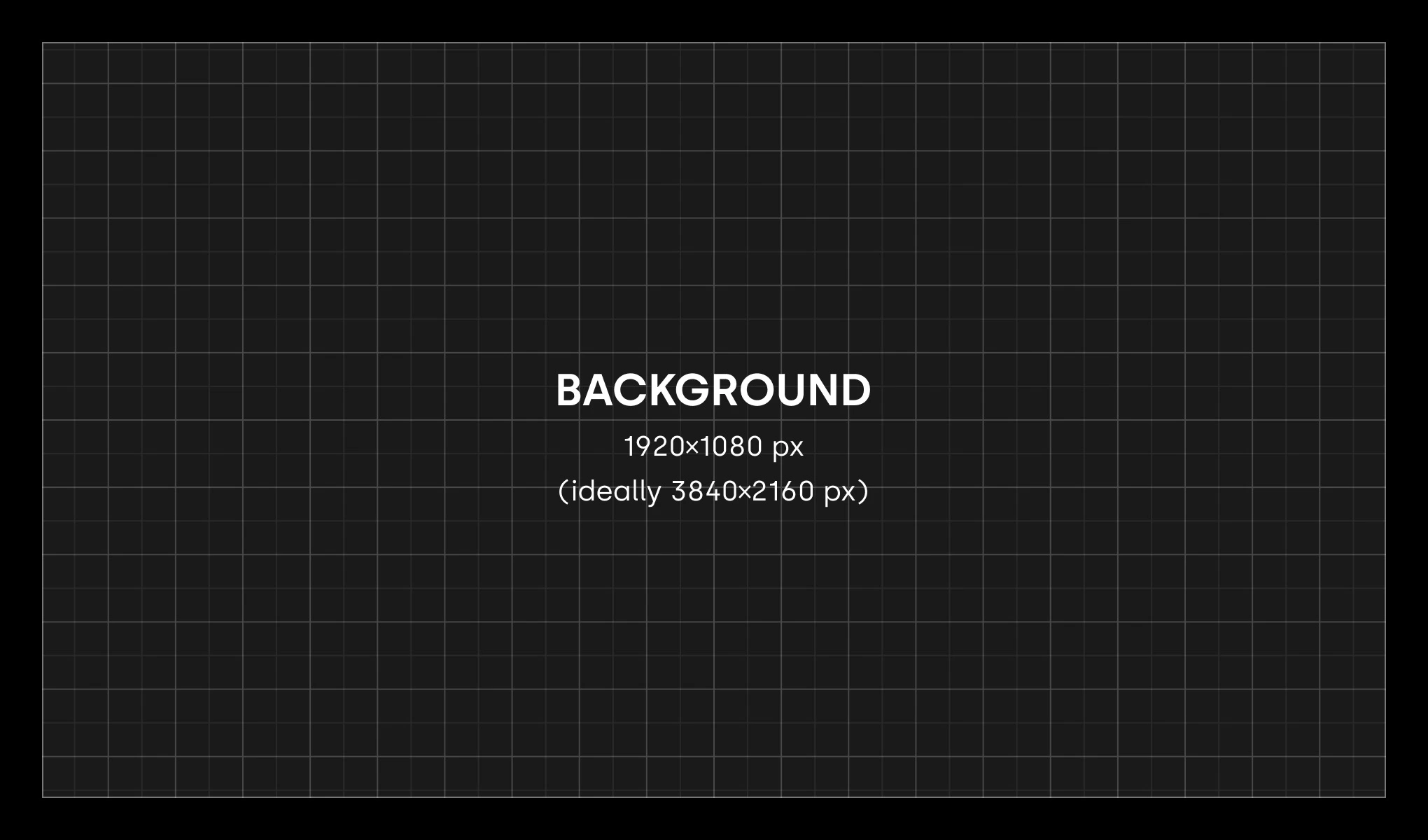
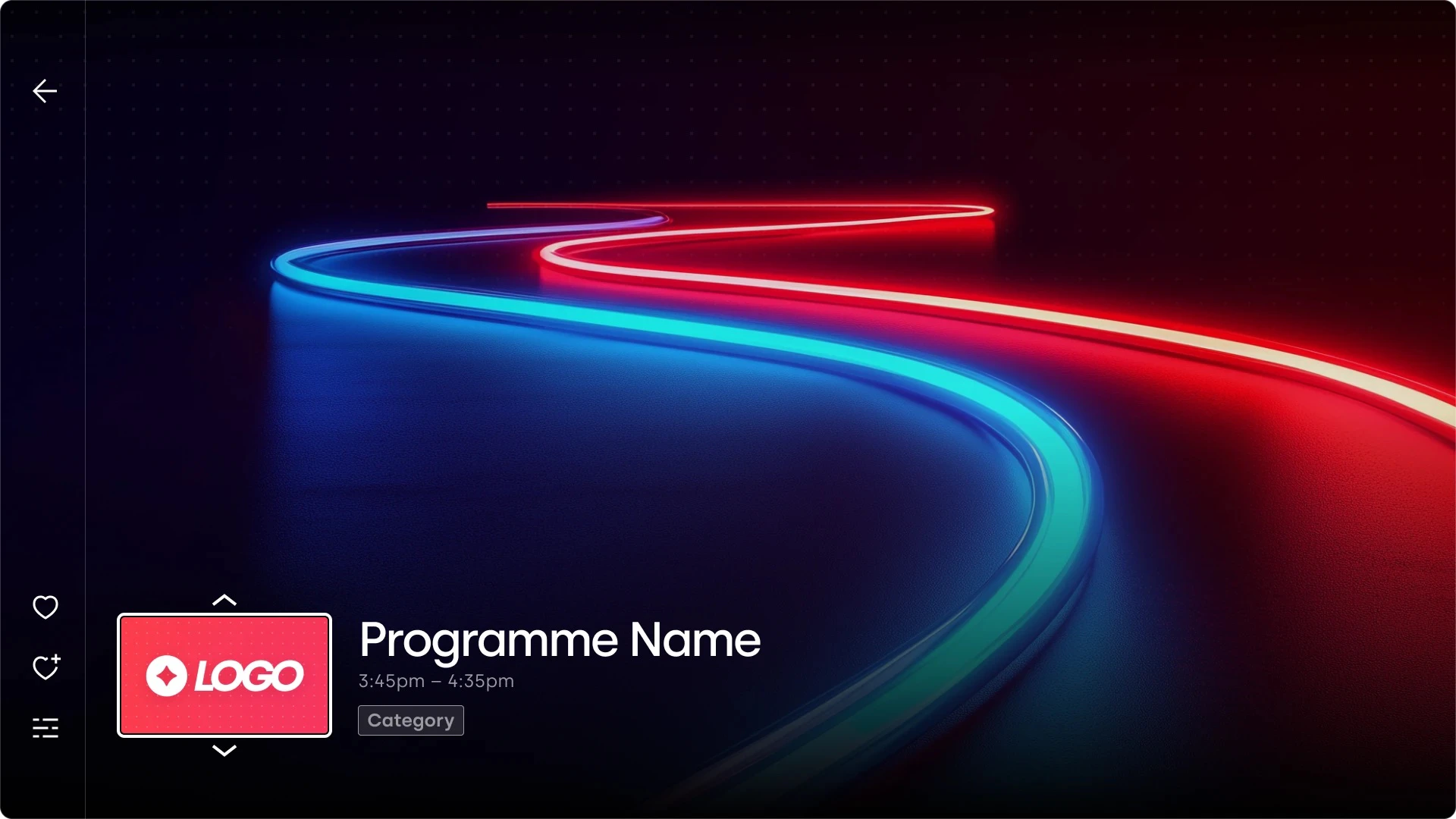
The background image serves as a placeholder while the channel stream loads. It should reflect the channel’s theme subtly, without being overly distracting.
### Requirements
1. Format: *JPG or PNG, **No transparency***
2. Size: ***Exactly** 1920x1080px ⚠️*
3. Aspect ratio: *16:9*
4. File size: ***Should not exceed 2Mb ⚠️***
### Design considerations
* Avoid adding any text or elements that might appear interactive or clickable to prevent user confusion.
* Avoid using solid colour fills. If a single-colour background is necessary, consider applying a gradient or pattern to add visual depth.
***
## Background
The background image serves as a placeholder while the channel stream loads. It should reflect the channel’s theme subtly, without being overly distracting.
### Requirements
1. Format: *JPG or PNG, **No transparency***
2. Size: ***Exactly** 1920x1080px ⚠️*
3. Aspect ratio: *16:9*
4. File size: ***Should not exceed 2Mb ⚠️***
### Design considerations
* Avoid adding any text or elements that might appear interactive or clickable to prevent user confusion.
* Avoid using solid colour fills. If a single-colour background is necessary, consider applying a gradient or pattern to add visual depth.